A skill teaches Claude how your company does something. A project holds the material for one body of work and the instructions that go with it. A connector gives Claude a way to reach a live system such as your CRM or drive. Knowledge, context and access. Most teams need all three, for different jobs.
Key takeaways
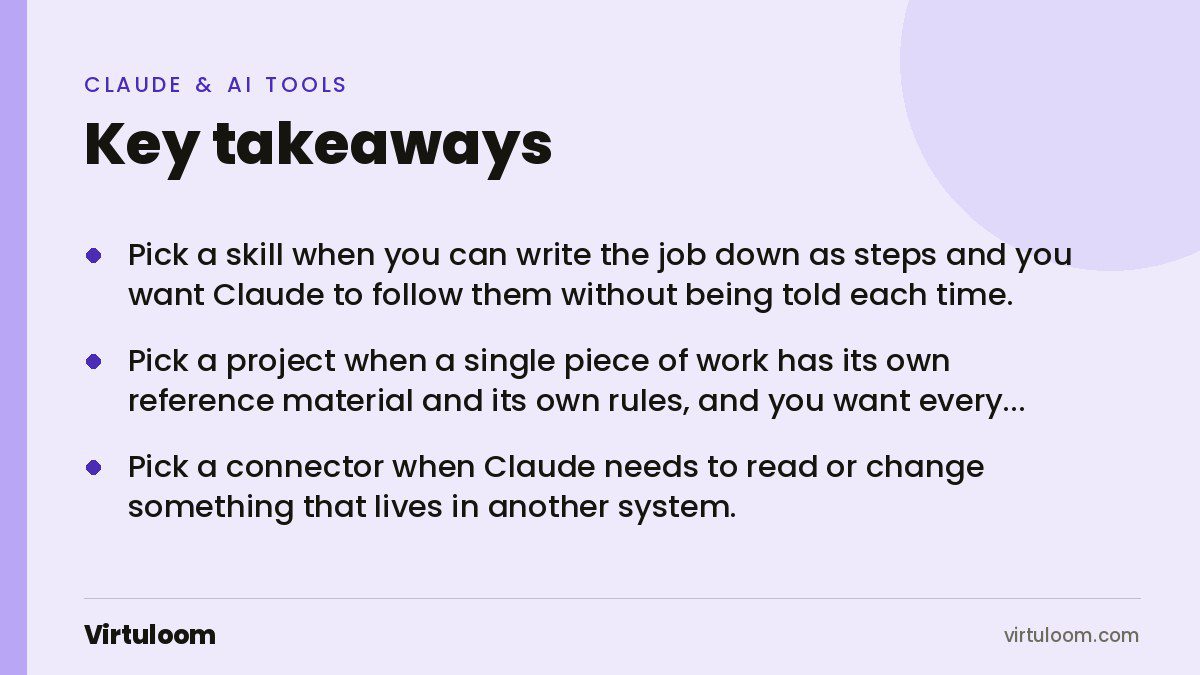
- Pick a skill when you can write the job down as steps and you want Claude to follow them without being told each time.
- Pick a project when a single piece of work has its own reference material and its own rules, and you want every chat in it to start from the same place.
- Pick a connector when Claude needs to read or change something that lives in another system.
- Skills load in stages, so twenty of them cost about 100 tokens each until one is actually used. Project knowledge is loaded for the project.
- They stack. One monthly report can use a connector to pull the numbers, a project to hold the client background, and a skill to write it the way you always write it.
The difference in one table
| Skill | Project | Connector (MCP) | |
|---|---|---|---|
| What it is | A folder with instructions Claude reads when relevant | A workspace holding chats, uploaded knowledge and instructions | A link to another system, built on the Model Context Protocol |
| What it holds | Procedure, templates, optional scripts | Documents, files, code snippets, project instructions | Tools, resources and prompts exposed by a server |
| When it loads | Only when a request matches its description | In every chat inside that project | When Claude calls it during a task |
| Best for | A repeatable process | One client, one product, one ongoing piece of work | Live data and actions in another tool |
| Goes stale when | Your process changes | You upload a newer version of the file | Never, it reads the system as it is now |
What is a skill for?
A skill is procedure. Anthropic’s documentation calls skills “modular capabilities that extend Claude’s functionality”, packaging “instructions, metadata, and optional resources (scripts, templates) that Claude uses automatically when relevant”. The reason they exist, in Anthropic’s own words, is that “real work requires procedural knowledge and organizational context”.
The practical test is simple. If you could write the job on one page for a new hire, it is a skill. Issuing a quotation. Turning a trial balance into statements. Writing a property listing in the format Bayut wants. Replying to a supplier complaint in the tone your company uses.
The important property is that you do not have to ask for it. Claude holds every skill’s name and description in front of it and reaches for the one that matches. Our guide on how to write a Claude Skill covers the file itself.
What is a project for?
A project is context for one piece of work. Anthropic’s help pages describe the knowledge area plainly: “Anything you upload to this space will be used across all of your chats within that project.” You can also “set project instructions”, and “Claude will use these instructions for all the chats within the project”.
So a project is where the brand guidelines, the signed contract, the product spec and the last six months of meeting notes live. Not steps. Material.
One detail trips people up. Chats inside a project do not see each other: “Context is not shared across chats within a project unless the information is added into the project knowledge base.” If something useful came out of Tuesday’s chat and you want Friday’s chat to know it, you have to put it into the knowledge, not assume it carried over.
Projects are available on every plan, including free, where you are limited to five. On paid plans, when the knowledge gets close to the limit, Claude “will automatically enable RAG mode to expand your project’s capacity”, which means it searches the material rather than holding all of it at once. Sharing a project with colleagues needs Team or Enterprise.
What is a connector for?
A connector is access. Anthropic describes the Model Context Protocol as “an open standard created by Anthropic for AI applications to connect with tools and data sources”, and puts the relationship simply: “When you build an MCP server and someone adds it to Claude, they see it as a connector.”
A server offers three kinds of thing: tools, which are “actions Claude can perform, such as search, create, and modify”; resources, which are “data Claude can access, such as files, documents, and records”; and prompts, which are “predefined interactions for specific tasks”.
The line against the other two is clean. A skill cannot tell you today’s bank balance and a project cannot update a deal stage. Only a connector touches a live system. We go into this properly in our post on MCP connectors explained for business.
How do you choose?
Three questions, in this order.
- Does Claude need to reach something outside the chat? If yes, you need a connector, whatever else you also do.
- Is the same job going to come back? If yes, write a skill. If it is a one-off, just explain it in the chat.
- Does the work carry its own body of reference material? If yes, make a project and put the material in its knowledge.
A useful way to catch the mistake most teams make: if you find yourself pasting the same instructions into a project’s knowledge area so Claude follows them, that is a skill wearing the wrong clothes. Knowledge is what Claude should know. A skill is what Claude should do.
Do they work together?
Yes, and that is normally the point. Anthropic’s engineering team frames skills as a complement rather than a replacement, noting that “Skills can complement Model Context Protocol (MCP) servers by teaching agents more complex workflows”.
Take a monthly client report at a Dubai marketing agency. The connector pulls last month’s ad spend and leads out of the ad platform. The project holds the client’s brand guidelines, the signed scope and the previous three reports. The skill says how a Virtuloom-style report is built: which five numbers go on page one, that spend is shown in AED, that a drop of more than 15 percent gets an explanation paragraph, and that the summary is written in English with an Arabic version for this particular client.
Remove any one of the three and the work gets worse in a specific way. Without the connector you are pasting numbers. Without the project Claude does not know the client. Without the skill you get a different report every month.
What each one costs you in context
This matters more than it sounds. Skills are built on what Anthropic calls progressive disclosure: “Claude loads information in stages as needed, rather than consuming context upfront.” A skill sitting unused costs about 100 tokens, the name and description only. The instructions come in when it is triggered, and bundled files only when Claude opens them. Scripts are cheaper again, because Claude “runs them through bash and receives only the output”. That is why the documentation says there is “no practical limit on bundled content”.
Project knowledge behaves differently. It is there for the work in that project, which is exactly what you want for a contract you keep referring to, and exactly what you do not want for a procedure that only applies on invoice day. Thirty skills is reasonable. Thirty unrelated documents in one project is not.
Which plan do you need?
| Free | Pro and Max | Team and Enterprise | |
|---|---|---|---|
| Projects | Yes, up to five | Yes | Yes, and shareable with the organisation |
| Skills made by Anthropic | Yes | Yes | Yes |
| Your own custom skills | No | Yes | Yes, and Owners can provision them for everyone |
Skills need code execution switched on. On Enterprise, organisations can also “turn on skill scanning to check uploaded skills and plugins”. Plan details change, so confirm on Anthropic’s own pages before you buy. These are as published in October 2026.
How Virtuloom helps
We set this up for Gulf teams end to end: which processes become skills, what belongs in project knowledge, and which systems are worth connecting. Usually we start with one workflow that already costs real time each week. See our AI automation and AI agents in Dubai pages, or read our rollout guide for setting up Claude across a company.
Frequently asked questions
Can I put a skill inside a project?
They are separate systems rather than nested ones. Skills are enabled for your account or provisioned by your organisation, and Claude reaches for one when a request matches its description, including inside a project. The project supplies the material, the skill supplies the method.
Is a connector the same as an integration?
In practice, yes. Anthropic’s documentation says that when someone adds an MCP server to Claude, “they see it as a connector”. The protocol is the open standard underneath, the connector is what it looks like when it is switched on in your account.
Should instructions go in project instructions or in a skill?
If the rule applies only inside that one project, project instructions are fine. If it is how your company does something regardless of client or job, it belongs in a skill, where it is reusable, versioned in one place, and does not have to be recreated in the next project.
Do projects remember earlier chats?
Not by default. Anthropic states that “context is not shared across chats within a project unless the information is added into the project knowledge base”. On Team and Enterprise plans Claude keeps separate memory summaries for each project, but anything you want reliably available should be in the knowledge.
What if we use Claude Code as well as the app?
Skills carry over. Anthropic has published Agent Skills as an open standard and states they are supported across Claude.ai, Claude Code, the Claude Agent SDK and the Claude Developer Platform. In Claude Code a skill is just a folder in the repository, so the whole team gets it on clone.
Sources
- Agent Skills overview, Claude Platform Docs, Anthropic
- Equipping agents for the real world with Agent Skills, Anthropic Engineering
- Projects, Anthropic Help Center
- What are skills?, Anthropic Help Center
- Model Context Protocol, Claude connector documentation, Anthropic
Not sure which of the three your team actually needs? Tell us the process and we will say plainly which one fits.