A Claude Skill is a folder that contains a file called SKILL.md. That file holds a name, a description of when Claude should use it, and your instructions in plain Markdown. Claude reads only the description until a request matches it, then loads the rest. A useful first skill takes under an hour to write.
Key takeaways
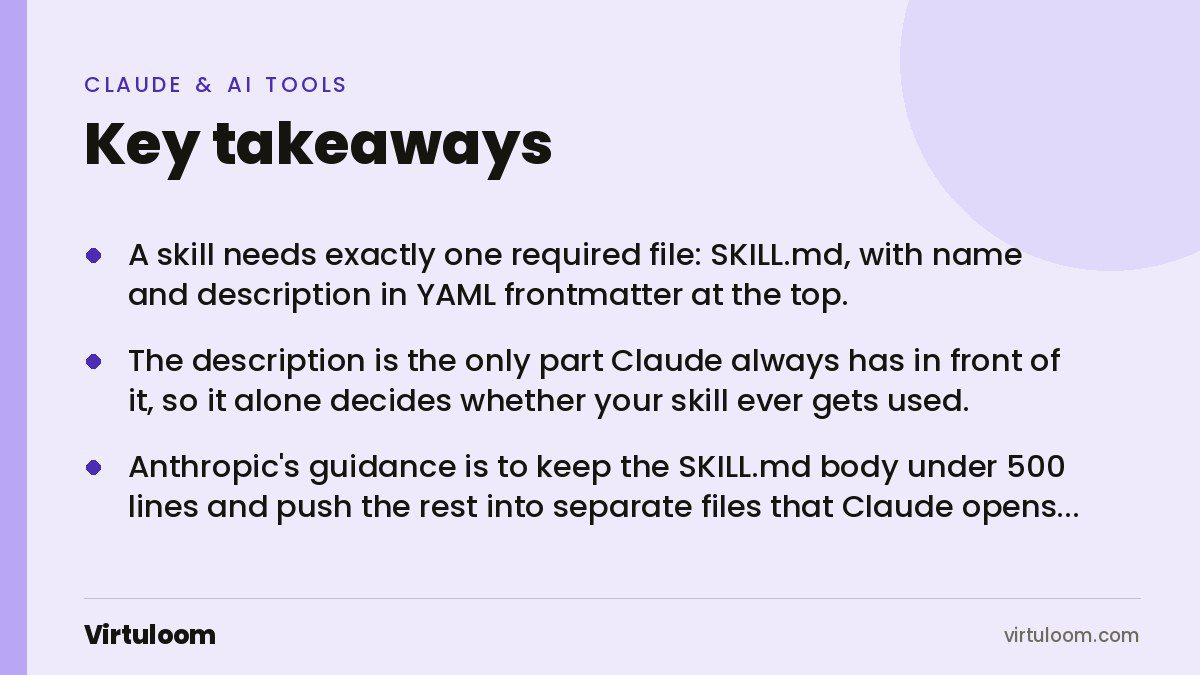
- A skill needs exactly one required file: SKILL.md, with
nameanddescriptionin YAML frontmatter at the top. - The description is the only part Claude always has in front of it, so it alone decides whether your skill ever gets used.
- Anthropic’s guidance is to keep the SKILL.md body under 500 lines and push the rest into separate files that Claude opens only when it needs them.
- The description character limit is not the same on every surface: the developer docs say 1,024 characters, the Claude apps help centre says 200. Staying under 200 is safe everywhere.
- Write three test cases before you write the instructions, not after.
What is a Claude Skill?
Anthropic’s developer documentation describes them as “modular capabilities that extend Claude’s functionality”, where “each Skill packages instructions, metadata, and optional resources (scripts, templates) that Claude uses automatically when relevant”.
The reason they exist is plain enough. As Anthropic’s engineering team put it, “Claude is powerful, but real work requires procedural knowledge and organizational context”. The model already knows accounting, or marketing, or contract law in general. It does not know how your company issues a quotation, which fields your invoice template needs, or that your Saudi clients get a different VAT line.
A skill is that knowledge written down once, in a form Claude can pick up on its own. It does not retrain the model and it does not change what Claude is capable of. It changes what Claude knows about your business when a relevant job comes up.
If you have not read our earlier piece on what Claude Skills are and why a business would want them, start there. This guide is about building one.
What goes inside the folder?
At minimum, one file. Anthropic’s engineering post states it directly: “At its simplest, a skill is a directory that contains a SKILL.md file.” Everything beyond that is optional and is only read when the instructions point to it.
A fuller skill looks like this:
quotation-writing/
  SKILL.md            main instructions
  PRICING.md          rate card and rounding rules
  TERMS.md            payment terms and exclusions
  scripts/
    build_pdf.py      turns the approved text into the branded PDF
The reason this structure matters is something Anthropic calls progressive disclosure: “Claude loads information in stages as needed, rather than consuming context upfront.” Three stages, in practice:
| Stage | When it loads | What it costs | What it contains |
|---|---|---|---|
| Metadata | Always, at startup | About 100 tokens per skill | Only the name and description |
| Instructions | When the skill is triggered | Under 5k tokens | The SKILL.md body |
| Resources | Only when referenced | Nothing until opened | Reference files, templates, scripts |
Scripts are the part people miss. Anthropic notes that Claude “runs them through bash and receives only the output”, so a 300-line Python file costs nothing in context. The code does the deterministic part, Claude does the judgement part. Because of this, the documentation says there is “no practical limit on bundled content”.
How do you write the frontmatter?
The top of SKILL.md is a YAML block between two lines of three dashes. Two fields are required.
---
name: quotation-writing
description: Writes client quotations using the company rate card, rounding rules and payment terms. Use when the user asks for a quote, a proposal price, or a cost estimate for a client.
---
The name field takes a maximum of 64 characters, and “must contain only lowercase letters, numbers, and hyphens”. It cannot contain XML tags, and it cannot contain the reserved words “anthropic” or “claude”. Anthropic suggests the gerund form, verb plus -ing, “as this clearly describes the activity or capability the Skill provides”: processing-pdfs rather than helper.
The description field is where most skills are won or lost. Anthropic is blunt about its job: “The description is critical for skill selection: Claude uses it to choose the right Skill from potentially 100+ available Skills.” Three rules follow from that.
Write it in the third person. The documentation explains why: “The description is injected into the system prompt, and inconsistent point-of-view can cause discovery problems.” So “Processes Excel files and generates reports”, not “I can help you process Excel files”.
Say both what it does and when to use it. The docs require it: “The description must include both what the Skill does and when Claude should use it.”
Include the words people actually type. Here are the examples Anthropic publishes, good and bad:
| Good | Bad |
|---|---|
| Extract text and tables from PDF files, fill forms, merge documents. Use when working with PDF files or when the user mentions PDFs, forms, or document extraction. | Helps with documents |
| Generate descriptive commit messages by analyzing git diffs. Use when the user asks for help writing commit messages or reviewing staged changes. | Does stuff with files |
On length, the two official pages disagree. The developer documentation gives a maximum of 1,024 characters. The Claude apps help centre says the description is limited to 200 characters. If you want one skill that works in the apps, in Claude Code and through the API, keep it under 200 characters, as of October 2026.
How long should SKILL.md be?
Short. Anthropic’s advice is to “keep SKILL.md body under 500 lines for optimal performance” and to “split content into separate files when approaching this limit”. The mental model they give is useful: “SKILL.md serves as an overview that points Claude to detailed materials as needed, like a table of contents in an onboarding guide.”
Two rules keep that structure working. First, “keep references one level deep from SKILL.md”, because Claude “may partially read files when they’re referenced from other referenced files”. A file that only another reference file points to may never be read properly. Second, “for reference files longer than 100 lines, include a table of contents at the top”.
A worked example you can copy
Here is a complete skill for a small Dubai agency that keeps rewriting the same quotation. It is illustrative, with invented rates, so replace the numbers with your own.
---
name: quotation-writing
description: Writes client quotations from the company rate card with correct VAT, validity and payment terms. Use for quotes, proposals, cost estimates or pricing requests.
---

# Quotation writing

## Before you start
Ask for these four things if they are missing: client company name,
scope in one paragraph, target start date, and the emirate or country.
Do not guess any of them.

## Steps
1. Read PRICING.md and pick the matching line items.
2. Price in AED. For Saudi clients price in SAR and use the SAR rate card.
3. Add 5 percent VAT on a separate line for UAE clients. For clients
   outside the GCC, add a line reading "Out of scope of UAE VAT".
4. Round every subtotal up to the nearest 50.
5. Set validity to 30 days from today.
6. Copy the payment terms from TERMS.md without editing them.

## Output
A table of line items, then subtotal, VAT and total.
Then validity, payment terms, and what is excluded.
English by default. Produce both English and Arabic when the client
name is in Arabic or the user asks for Arabic.

## Never
Never discount without being asked. Never promise a delivery date.
Never leave a line item without a quantity and a unit.
Notice what is not in there. No explanation of what a quotation is, no advice on writing clearly, no VAT theory. Anthropic’s rule for this is worth memorising: “Default assumption: Claude is already very smart. Only add context Claude doesn’t already have.”
How do you test a skill before you trust it?
Anthropic recommends building the tests first: “Create evaluations BEFORE writing extensive documentation. This ensures your Skill solves real problems rather than documenting imagined ones.” The loop they describe has five steps:
- Run Claude on real tasks with no skill and write down exactly where it fails.
- Build three scenarios that test those failures.
- Measure how Claude does on them without the skill. That is your baseline.
- Write the smallest set of instructions that fixes the gaps.
- Run the scenarios again, compare, and refine.
Two further points matter for a business. Skills sit on top of a model, so “effectiveness depends on the underlying model. Test your Skill with all the models you plan to use it with.” What reads as enough detail for a larger model may be too thin for a smaller, cheaper one. And watch how Claude moves through the files: if it “never accesses a bundled file, it might be unnecessary or poorly signaled in the main instructions”.
What should you leave out?
The best-practice page spends as much time on what not to write as on what to write. The ones that bite hardest in a business skill:
- Anything that will go out of date. “Don’t include information that will become outdated.” A price that changes every quarter belongs in a reference file you can swap, not in the instructions.
- Several ways of doing the same thing. “Don’t present multiple approaches unless necessary.” Give one default and an escape hatch.
- Two words for one thing. “Choose one term and use it throughout the Skill.” If it is a quotation, it is never also a proposal.
- Numbers with no reason. The docs call these voodoo constants. If a rule says round to 50, say why.
- Backslashes in paths. “Always use forward slashes in file paths, even on Windows.”
- Assumed software. “Don’t assume packages are available.” Write the install command.
How do you install it?
In the Claude apps, each skill is a folder. Anthropic’s instructions are to make sure “the folder name matches your Skill’s name”, create a ZIP of the folder, and note that “the ZIP should contain the Skill folder as its root (not a subfolder)”. After uploading you “enable the Skill in Settings > Capabilities”, then test it with a few prompts and check Claude’s thinking to confirm it loaded.
Custom skills in the apps need a Pro, Max, Team or Enterprise plan, and code execution switched on. Skills made by Anthropic are available on Free as well. On Team and Enterprise, “organization Owners can provision skills for all users”, and those appear in every member’s list and “can be set as enabled or disabled by default”. Enterprise organisations can also “turn on skill scanning to check uploaded skills and plugins”.
In Claude Code there is no upload at all. Skills are “filesystem-based”: put the folder in ~/.claude/skills/ for yourself, or .claude/skills/ inside a project so the whole team gets it from the repository.
You can also skip the editor. Anthropic documents building a skill by conversation: describe the job, upload your templates, answer Claude’s questions about your process, and Claude writes the SKILL.md and packages it. The guidance for answering is the useful bit, give enough detail that “someone capable but unfamiliar could follow your approach”.
What changes for a business in the Gulf
Most of the friction a UAE or Saudi team has with an AI tool is not reasoning. It is the same five corrections typed again every week. Put them in the skill and they stop.
Currency and tax lines are the obvious ones: AED with 5 percent VAT for the UAE, SAR with 15 percent for Saudi Arabia, and an explicit rule for clients outside the GCC. Language is the next: say when the output should be Arabic, when it should be both, and whether Arabic means Modern Standard or something closer to how your clients actually write. Then the local names, free zone versus mainland, the emirate, the trade licence number field, the exact spelling of your company name in Arabic.
None of that is clever. It is the sort of thing that lives in one person’s head and breaks when they are on leave. A skill is a reasonable place to keep it.
How Virtuloom helps
We build and test skills with Gulf teams, usually starting with the one process that gets repeated most and costs the most when it goes wrong. We write the SKILL.md with your people, bundle the real templates and rate cards, and test it against your own past work before anyone relies on it. See our AI agents in Dubai and AI automation pages, or read our guide to setting up Claude across a company.
Frequently asked questions
Do I need to know how to code to write a Claude Skill?
No. A skill is a Markdown file with a short YAML header. Scripts are optional and only useful when a step must run the same way every time, such as producing a PDF. Anthropic’s own help pages state that anyone can create skills by writing instructions in Markdown.
How many characters can the description be?
The Claude developer documentation gives a maximum of 1,024 characters. The Claude apps help centre gives 200. Because one skill often needs to work in both places, keep it under 200 characters. Both figures are as published in October 2026 and worth rechecking before a rollout.
What is the difference between a skill and a connector?
A skill teaches Claude a procedure. A connector, built on the Model Context Protocol, gives Claude a way to reach a system such as your CRM or drive. One is knowledge, the other is access. Our post on MCP connectors covers the second in detail.
Will a skill work in Claude Code and in the Claude app?
The format is the same, so in most cases yes. Anthropic has published Agent Skills as an open standard and states they are supported across Claude.ai, Claude Code, the Claude Agent SDK and the Claude Developer Platform. The pre-built document skills are the exception and are not available in Claude Code.
How long should a first skill take to write?
Under an hour for a single process you already do by hand, most of which is spent writing down the steps you normally keep in your head. The slower part is testing it against real past work, which is also the part that decides whether it is any good.
Can other people in my company use my skill?
In the Claude apps, uploaded custom skills are individual to each user unless an organisation Owner provisions them. On Team and Enterprise plans an Owner can provision a skill so it appears automatically in every member’s list. In Claude Code, a skill committed to .claude/skills/ in a repository reaches everyone who clones it.
Sources
- Agent Skills overview, Claude Platform Docs, Anthropic
- Skill authoring best practices, Claude Platform Docs, Anthropic
- Equipping agents for the real world with Agent Skills, Anthropic Engineering
- What are skills?, Anthropic Help Center
- Creating custom skills, Anthropic Help Center
- How to create a skill with Claude through conversation, Claude Academy
If you want one of your own processes turned into a skill your team can actually use, talk to us.