Local SEO in Dubai comes down to one thing: a complete, verified Google Business Profile that matches your real business, gets steady reviews, and links to a website that says the same things. Google ranks local results on relevance, distance and prominence, and you can finish most of this checklist in one afternoon.
Key takeaways
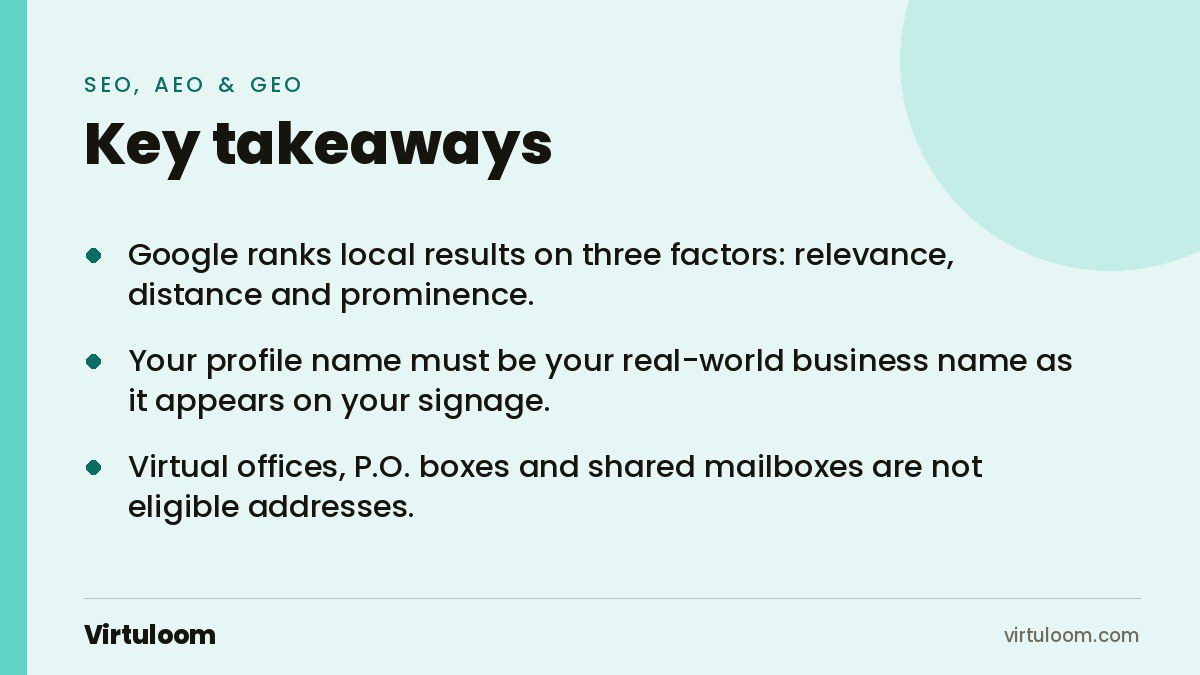
- Google ranks local results on three factors: relevance, distance and prominence. You control two of them.
- Your profile name must be your real-world business name as it appears on your signage. Adding “Dubai” or your services to the name is a policy violation.
- Virtual offices, P.O. boxes and shared mailboxes are not eligible addresses. Service businesses can hide their address and set a service area instead.
- Verification is usually by video and takes up to 5 business days to review.
- A WhatsApp chat button can be added to the profile where the feature is available. This matters in the UAE, where customers message before they call.
What does Google actually use to rank a local business?
Google says local ranking is based on relevance, distance and prominence. Relevance is how well your profile matches what someone searched for. Distance is how far you are from the searcher, which you cannot change. Prominence is how well known your business is, measured through reviews, links and mentions across the web. Links are the part of prominence people try to shortcut, and most of what is sold as a guest post in the UAE is link spam rather than coverage. Our guide to UAE guest posting sites covers how to check a site before you pay for a mention.
Google also states that there is no way to request or pay for a better local ranking. Ads can appear above the map results, but the organic map pack cannot be bought. That means a small business with a complete profile and real reviews can outrank a bigger one that set up its listing years ago and never touched it again.
Why does this matter more in the UAE than most markets?
The UAE is one of the most connected places in the world. DataReportal’s Digital 2026 report counts 11.3 million internet users at the end of 2025, which is 99.0 percent of the population, and 23.0 million mobile connections, about two per resident. When nearly everyone searches on a phone, “near me” results and the map pack are where local buying decisions start.
The other local factor is messaging. UAE customers often prefer WhatsApp over a phone call, and Google now lets verified profiles show a WhatsApp chat option. A profile with a working chat button and a fast reply turns a map search into a conversation before a competitor answers.
The Google Business Profile checklist
Work through this in order. Each item takes between five minutes and half an hour.
1. Claim or create the profile with the right account
Search your business name on Google Maps. If a listing already exists, claim it instead of creating a duplicate. Use a company Google account, not an employee’s personal one, so the profile survives staff changes. Add a second owner as backup.
2. Use your real business name, nothing else
Google’s guidelines say the name must reflect your business’s real-world name as used on your storefront, website and stationery. Do not add location words, taglines, phone numbers or service keywords. A profile called “Al Noor Dental Clinic” is compliant. “Al Noor Dental Clinic Dubai Best Dentist JLT” is a suspension risk and can be edited by Google at any time.
A common UAE question: your trade licence name is “XYZ Technical Services L.L.C.” but customers know you as “XYZ Cooling”. Google asks for the name customers see on your signage. Keep the licence name for the website footer and legal pages.
3. Get the address type right
Google needs either a location customers can visit or a business that travels to customers. P.O. boxes and mailboxes at remote locations are not acceptable, and neither is a virtual office you do not actually work from. Many Dubai companies run on flexi-desk or virtual-office packages; if that is you, set up as a service-area business, hide the address, and define the areas you serve. Google asks that the service area stays within roughly two hours of driving from your base, so “all of the UAE” is not a sensible setting for a Dubai plumber.
4. Pick one primary category and a few secondary ones
Google’s rule is to choose categories that describe what your business is, not what it has. A restaurant that offers delivery is still a restaurant. Use as few categories as possible. The primary category carries the most weight, so pick the one that matches the search you most want to win.
5. Complete every field
Hours, including Ramadan and public holiday hours when they change. Phone number with the +971 country code. Website URL pointing to the most relevant page, not always the home page. A 750-character description written in plain language that says who you serve and where. Attributes such as “women-owned”, “wheelchair accessible” or “online appointments” where they are true.
6. Verify, probably by video
Google decides the verification method; you cannot choose it. For most new profiles that means recording a video that shows your location (street sign, outside signage, nearby businesses), your business operating (equipment, products, branded items) and proof you manage it (opening the till, a staff-only area). Reviews take up to 5 business days, and codes expire after 30 days. Do not edit the profile while a postcard code is on the way, or the code will not work.
7. Add the WhatsApp chat option
In the Contact section of your profile you can add a WhatsApp click-to-chat link or an SMS number. If you add both, Google shows only the SMS option, so pick WhatsApp. The feature is limited to certain regions, so check whether it appears for you. Make sure someone, or an AI agent, replies within minutes. A chat button nobody answers is worse than none. We wrote about why leads go cold in the first five minutes; the same rule applies here.
8. Upload real photos, and keep adding them
Google recommends photos and videos as a ranking tip. Use real pictures of your premises, team and work. Stock images are easy to spot and do not build trust. Add new photos monthly; a profile that was last updated two years ago reads as closed.
9. Ask for reviews every week, and answer every one
Google says more reviews and positive ratings can improve local ranking, and lists responding to reviews among its tips. Build review requests into your process: a WhatsApp message with the direct review link after every completed job or visit. Reply to every review, including the bad ones, in the language the customer used. Never buy reviews or offer discounts for them. Google removes them, and the profile can be suspended.
10. Make the website agree with the profile
Your name, address and phone number should be identical on the profile, your website and any directory listings. Add LocalBusiness or Organization schema markup to your site with the same details (our GEO, AEO and SEO guide covers schema for AI search). Put the Google Maps embed and the phone number on your contact page. If you serve several emirates, build one page per location with content specific to that area, not the same page with the city name swapped.
11. Post updates and products
Profile posts for offers, events and news keep the listing active. Retail businesses can add in-store products, another of Google’s listed ranking tips. One post a week is enough.
12. Check it monthly
Open the profile’s performance view once a month. Note how many people called, requested directions or clicked through, and which searches showed your profile. Anyone can suggest an edit to your listing, so check that hours and categories have not been changed without you noticing.
What is different about the UAE and the Gulf?
| Point | What to do |
|---|---|
| Two languages | Reply to Arabic reviews in Arabic and English ones in English. Keep the Arabic version of your website pointing to the same profile. |
| Licence name vs brand | Profile shows the brand name on your signage. Licence name goes in the website footer. |
| Flexi-desk and virtual offices | Not eligible as a visible address. Use a service-area profile. |
| Ramadan and holiday hours | Set special hours in advance. Wrong hours are the most common reason for one-star reviews in the UAE. |
| WhatsApp-first customers | Add the WhatsApp chat option and make sure replies arrive in minutes. |
| Area names | Use the names people search: Business Bay, JLT, Al Quoz, Deira, Khalifa City. Put them in your website content, not in your profile name. |
How Virtuloom helps
We set up and clean up Google Business Profiles as part of our SEO, AEO and GEO service, and we build the WhatsApp AI agents that answer the chat button at 2 am. If your website does not match your profile, our web development team fixes that too. For regular posts and review replies, see social media management.
Frequently asked questions
Is a Google Business Profile free in the UAE?
Yes. Creating, verifying and managing a Google Business Profile is free everywhere, including the UAE. Google states there is no way to pay for a better local ranking. Anyone who offers to “guarantee” a map position for a fee is selling something Google does not provide.
Can I use my virtual office address in Dubai?
No. Google’s guidelines say a rented mailing address that you do not operate from is not eligible. Set up as a service-area business instead: hide the address, define the areas you serve, and keep the rest of the profile complete. Verification still works for service-area businesses.
How long does Google verification take?
Google says verification reviews take up to 5 business days, and occasionally longer. Video verification is the most common method for new profiles. Codes expire after 30 days, so finish the process once you start it, and do not edit the profile while a postcard code is in transit.
Should my profile name include “Dubai”?
Only if “Dubai” is part of your legal, signed business name. Google’s guidelines prohibit adding location information or keywords that are not part of the real-world name. Put area names in your website content and description instead, where they help without risking a suspension.
How many reviews do I need to rank in the map pack?
There is no fixed number. Google says more reviews and positive ratings can help, and it rewards profiles that keep receiving them. A steady flow of honest reviews each month, with a reply to every one, beats a burst of fifty reviews collected in one week and then silence.
Can I add WhatsApp to my Google Business Profile?
Yes, where the feature is available. In the Contact section you can add a WhatsApp click-to-chat link. If you also add an SMS number, Google shows only the SMS option, so choose one. Make sure someone answers quickly, because the chat button appears right next to your competitors’ call buttons.
Sources
- How to improve your local ranking on Google, Google Business Profile Help
- Guidelines for representing your business on Google, Google Business Profile Help
- Verify your business on Google, Google Business Profile Help
- Chat with customers from your Business Profile, Google Business Profile Help
- Digital 2026: The United Arab Emirates, DataReportal
Want your profile and website checked against this list? Contact Virtuloom or message us on WhatsApp at +971 52 544 4109.