A Claude Skill is a folder with a SKILL.md file that tells Claude how to do one job your way: the steps, the rules, the templates and, if needed, scripts. Claude reads the skill’s short description at the start of every conversation and loads the full instructions only when a request matches. For a company, that means a playbook written once, followed every time, by every person on the team. Skills are available on the Pro, Max, Team and Enterprise plans. Our step by step guide on how to write a Claude Skill takes that file apart line by line.
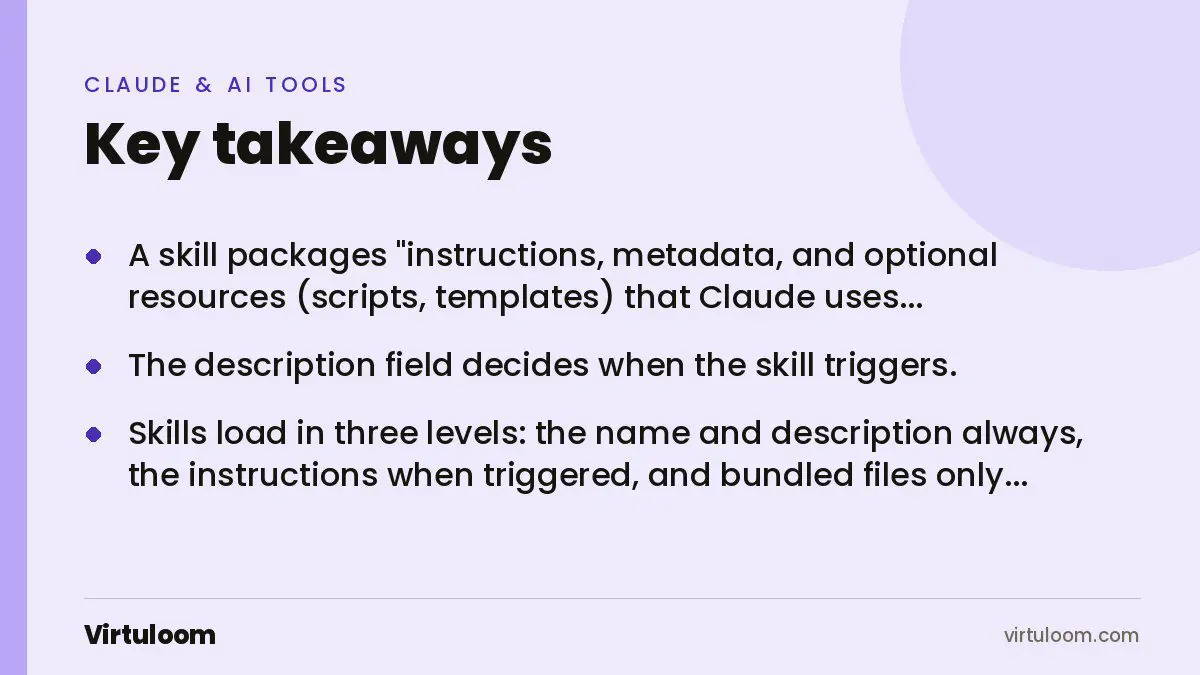
Key takeaways
- A skill packages “instructions, metadata, and optional resources (scripts, templates) that Claude uses automatically when relevant”, in Anthropic’s definition.
- The description field decides when the skill triggers. It must say what the skill does and when to use it.
- Skills load in three levels: the name and description always, the instructions when triggered, and bundled files only when needed. Many skills can be installed without cost to the context.
- Custom skills are uploaded as a ZIP in the Claude apps and can be provisioned to the whole organisation on Team and Enterprise.
- Install only skills you wrote or got from a trusted source. A skill can direct Claude to run code and use tools.
What problem do skills solve?
Every company has playbooks that live in people’s heads or in a document nobody opens: how we write a proposal, how we prepare the monthly VAT working, how we answer a supplier complaint, how we format a client report. When staff ask Claude for help, each person explains the method again, differently, and gets different results. A skill fixes that. The method is written once, in plain language, and Claude follows it whenever the task comes up.
Anthropic’s documentation puts it this way: skills turn Claude “from a general-purpose assistant into a specialist by packaging domain-specific expertise, workflows, and best practices that load on demand”.
What is inside a skill?
At minimum, one file called SKILL.md with a short header and a body:
---
name: monthly-client-report
description: Build the monthly client report from the exported numbers. Use when someone asks for a client report, monthly report or performance summary for a client.
---

# Monthly client report

## Instructions
1. Ask for the exported CSV if it is not attached.
2. Calculate the five numbers in the Metrics section, in this order.
3. Write the summary in our voice: short sentences, no hype, numbers first.
4. Produce the report using template.docx in this folder.

## Rules
- Never invent a number. If a figure is missing, say so.
- Compare with the previous month and explain any change over 15 percent.
The header has two required fields. The name is lowercase with hyphens, up to 64 characters. The description, up to 1,024 characters, is the trigger: Anthropic notes it “must say both what the Skill does and when to use it”. The body holds the steps, rules and examples. The folder can also hold templates, reference files and scripts.
How does Claude decide when to use a skill?
Skills use what Anthropic calls progressive disclosure, in three levels:
| Level | When it loads | What it holds |
|---|---|---|
| 1. Metadata | Always, at the start of a conversation | Name and description, roughly 100 tokens each |
| 2. Instructions | When a request matches the description | The SKILL.md body, the steps and rules |
| 3. Resources | Only when the instructions reference them | Templates, reference documents, scripts |
Because only names and descriptions are loaded until a skill is needed, a company can install dozens without slowing Claude down. When a skill includes a script, Claude runs it and only the output comes back, which Anthropic notes is far more efficient than generating equivalent code each time.
A worked example: turning a playbook into a skill
Take a Dubai accounting firm that prepares audit-ready drafts for clients. The playbook, as the senior accountant explains it, is: take the client’s trial balance, map each account to the right financial statement line, check that the balance sheet balances, flag anything unusual, and produce a working file plus a list of documents the auditor will ask for. We take that example further in Claude Skills for accounting and audit teams in the UAE.
As a skill:
- Description: “Prepare an audit draft and list of audit requirements from a client’s trial balance or ledger export. Use when someone uploads a trial balance, ledger or accounting export and asks for a draft, working papers or audit preparation.”
- Instructions: the mapping rules account by account, the checks to run, how to present figures, which items always need a note.
- Rules: never change a client figure; flag, do not fix; mark everything as a draft for review by a qualified accountant.
- Resources: the firm’s workbook template and a reference list of IFRS line items.
Now a junior uploads a trial balance and types “prepare the draft”. The same method runs every time, in the firm’s format, with the firm’s checks. The senior reviews instead of rebuilding. The skill is the firm’s knowledge, written down and working.
Which business playbooks make good skills?
- Proposals and quotes in your structure and pricing logic.
- Monthly reports for clients or management from exported data.
- Customer replies in your tone, in Arabic and English, with your policies.
- Compliance checklists: VAT workings, eInvoicing fields, PDPL data handling steps.
- Content: blog posts, social captions and ad copy that follow your brand rules.
- Onboarding: the steps a new client or new employee goes through.
A good test: if you have explained the same method to three people, it is a skill.
How do teams roll skills out?
On the Claude apps, skills are available on Pro, Max, Team and Enterprise, with code execution enabled. An individual uploads a custom skill as a ZIP file under Settings, and it stays private to that account. On Team and Enterprise, an organisation owner can provision skills for all users from the admin settings, and each person can switch provisioned skills on or off. Anthropic also notes that custom skills do not sync between surfaces: a skill uploaded to the Claude app has to be uploaded separately for the API, and Claude Code keeps skills in its own folders.
What are the risks?
A skill can instruct Claude to run code and use tools, so a badly written or malicious skill can do things its description does not say. Anthropic’s guidance is to use skills only from trusted sources, those you created or obtained from Anthropic, and to audit anything unfamiliar before installing it. Inside a company, treat skills like templates with authority: one owner, a review before changes, and a short changelog.
Gulf notes
- Write the rules in the language the team works in; the skill can produce output in Arabic and English even if the instructions are in one language.
- Put UAE specifics in the rules: AED formatting, VAT at the current rate, eInvoicing fields for businesses in scope, Ramadan hours in customer messages.
- Keep client data handling explicit: what may be uploaded, what must be anonymised, how long files are kept, in line with the Personal Data Protection Law.
How Virtuloom helps
We set up Claude for companies in the UAE and Saudi Arabia: the right plan, connectors to your tools, and your playbooks turned into tested skills that the whole team uses. See Claude for business and our guide to setting up Claude for your company. If the playbook needs software behind it, our custom software team builds that too.
Skills tell Claude how to work; connectors give it the data. Our guide to MCP for business owners covers the connector side.
Frequently asked questions
What is a Claude Skill in simple terms?
A written playbook that Claude follows automatically. It is a folder with a SKILL.md file holding a short description, step-by-step instructions and rules, plus optional templates or scripts. When a request matches the description, Claude loads the instructions and does the job your way, every time.
Which Claude plans include skills?
Anthropic’s help centre states skills are available on the Pro, Max, Team and Enterprise plans, with code execution enabled, and for Claude Code and API users with code execution. Team and Enterprise add admin provisioning so one skill can be rolled out to everyone.
Do I need a developer to write a skill?
No. A skill is plain text: a description, numbered steps and rules. Anyone who can write the procedure can write the skill. A developer helps when the skill needs scripts, templates with formulas or connections to your systems, and when you want it tested before the whole team relies on it.
Does a skill share my company data?
The skill holds instructions and templates, not your client data, and on Team and Enterprise Anthropic states there is no model training on your content by default. Decide in the skill’s rules what may be uploaded and what must be anonymised, and confirm your plan’s data terms before rolling it out.
Can one skill cover everything we do?
Better not. One skill per job keeps the description precise, so it triggers at the right time and the instructions stay short enough to follow. A firm might have a quoting skill, a reporting skill and a customer-reply skill, each with its own owner and rules.
How long does it take to build a good skill?
A first version takes an afternoon if the method is already written down. Expect two or three rounds of testing with real cases to tighten the rules. The time is in the thinking, not the typing: deciding what the method is and what Claude must never do.
Sources
- Agent Skills overview, Claude Developer Platform documentation
- Using skills in Claude, Claude Help Center
- Claude pricing, claude.com
Have a playbook that should become a skill? Contact Virtuloom or message +971 52 544 4109 on WhatsApp.